Practice can help you learn an interface and notice repeated mistakes before a stressful sale. Start with a short routine: click timing, text entry, date or seat selection, then the combined exercise.
Our tools are simulations. They do not connect to a seller’s inventory, reproduce its live queue or determine when its booking button will activate. Use the official seller’s own instructions for the actual purchase.
Before you start
- Work on one repeatable mistake at a time, not just your fastest result.
- A displayed 0 ms result is not proof that a request reached a ticket server at exactly the right instant.
- Practice records can be public. Do not put personal or payment details in public messages.
1. Set a small, repeatable practice session
Use the device and input method you expect to use on booking day. Choose a comfortable zoom level and make sure you can reach the relevant controls without hunting for them. This is an interface rehearsal, not a hardware benchmark.
A useful starting routine is five click-timing attempts, one short CAPTCHA exercise, one date-and-seat exercise and one combined run. This is our suggested practice routine, not a research-backed threshold or a guarantee. Stop and identify the mistake if performance becomes inconsistent.
2. Read click-timing results in context
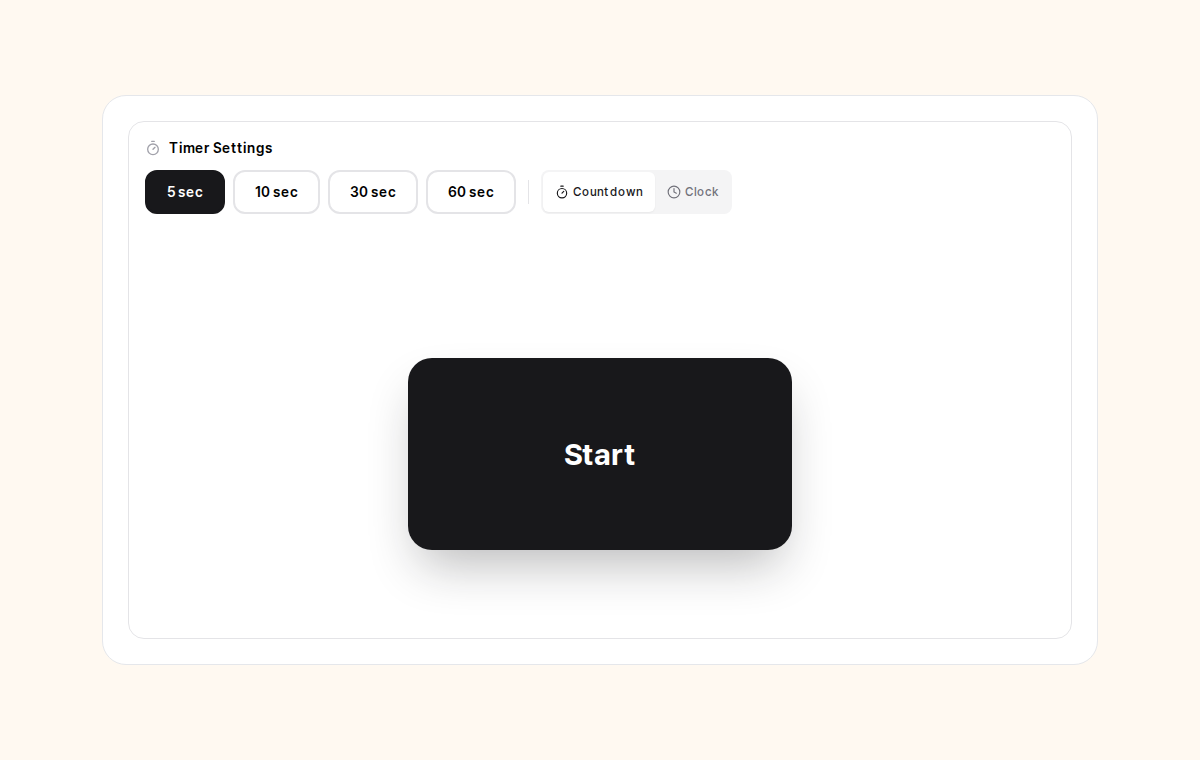
Choose a countdown duration, start the exercise and click at the target shown by the tool. Compare whether your results are consistently early or late. Use repeated attempts to notice a pattern rather than building a rule from one unusually good result.
The score records a browser interaction against the tool’s timing reference. Display rounding, event scheduling, the input device and the browser affect it. It does not measure the instant your future request will arrive at an official ticket seller.
3. Practice reading and entering CAPTCHA text
Use the CAPTCHA exercise to rehearse moving focus, reading the characters and checking what you typed. If you mistype, practice recovering calmly instead of repeating a full sequence without understanding the error.
This exercise does not bypass anti-bot protection or solve challenges for an external site. Real sellers can use different fonts, interactions, accessibility options or additional checks. Never enter an account password, identity-document number or card detail into a practice answer.
4. Rehearse dates and seat selection separately
Read the requested date and session before selecting. In the seat exercise, find the target, click deliberately and check whether your action matched the task. If you lose time, distinguish between searching, moving the pointer and correcting a wrong click.
Training seats are not actual available tickets. A venue’s real layout, accessible seats, restricted views, session rules and checkout flow may differ. Decide your acceptable date and seat preferences from the official seating information, not from our simulation.
5. Try a combined run without rushing past errors
After the individual exercises, use the combined practice to rehearse switching tasks. Notice which transition caused a mistake: reading the request, entering text, changing the date or selecting a seat. Repeat that stage before trying another full run.
Do not compensate for a weak practice score by installing automation or sending repeated requests to the real seller. The useful output is a clearer routine and fewer avoidable mistakes, not an inferred advantage in the seller’s queue.
6. Keep timing limits and public records in mind
Our target-server clock estimate comes from HTTP Date and network round-trip measurements. HTTP Date has one-second precision and may reflect a cache or proxy rather than the booking application. Millisecond digits do not imply millisecond accuracy or identify a perfect early-click offset.
The click-history interface states that attempts are kept on the server for at least six months and that nickname, practice server, time and result are public. Follow the notices on the exercise page. Resetting session statistics is not the same as deleting stored history.
Common questions
Does a good practice result guarantee a seat?
No. Real inventory, queues, eligibility, payment and network conditions are outside this simulation.
Does resetting my session remove server history?
No. The session reset clears the current session statistics, not the stored attempt history. Read the history notice before practicing.
Should I use the same device for practice and booking?
It can make the interface rehearsal more relevant. It does not establish that one device or input method will outperform another on the official seller.
Official sources and scope
General guidance based on public official pages and notices. Linked show notices illustrate procedures; they do not establish current ticket availability. We did not test external account login, identity verification or payment.
Content checked / updated: 2026-11-04